
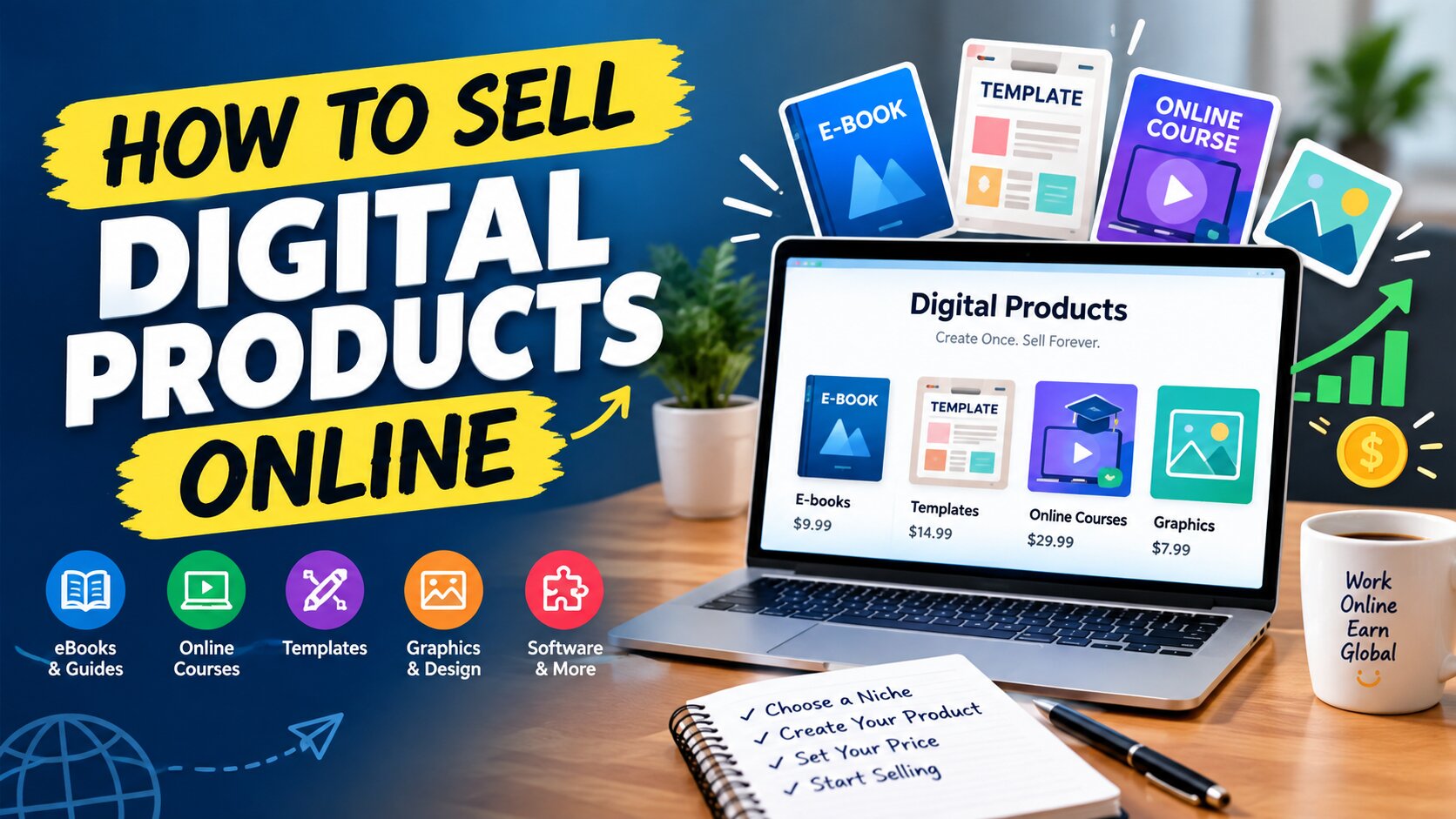
Imagine creating something once and selling it a hundred times, or even a thousand. You need no warehouse, no courier, and no stock to manage. That is the appeal of selling digital products online.
What Are Digital Products?
Digital products are items that exist in digital form and are delivered electronically. Customers can’t hold them in their hands. They download them, stream them, or access them online.
A printed book is a physical product. The same book as a PDF that a customer downloads to their phone is one of many digital products you could sell.
The key difference is cost. A physical product must be manufactured, stored, packed, and shipped, and every unit adds cost. An online course, once recorded, costs you almost nothing extra whether one person buys it or a thousand do. This is why digital products are so attractive to new entrepreneurs.
Why Sell Digital Products Online?
1. Low startup cost
Most businesses that sell digital products start with a laptop or smartphone, an internet connection, and your knowledge. Many people begin with almost no money.
2. No inventory or shipping
You never run out of stock, and you never wait on couriers. One file can be sold unlimited times.
3. Automated delivery
Once your system is set up, delivery happens automatically. A customer can buy at 3 a.m. and receive the file instantly while you sleep. This is often called passive income, meaning income that doesn’t require fresh effort for every sale. Keep in mind that the work comes first: you have to build the product and the system before it runs on its own.
4. A global market
From anywhere in the world, you can sell digital products to customers in the United States, the United Kingdom, Canada, Australia, and beyond. Selling internationally can also mean earning in stronger currencies.
5. High profit margins
With no production or shipping costs, most of each sale is profit, after platform and payment fees.
Types of Digital Products You Can Sell
Many people assume digital products means complex software. In reality, some of the best sellers are simple. Here are the most popular categories.
1. E-books and PDF guides
If you know a subject well, such as cooking, fitness, freelancing, study skills, or personal finance, you can write a guide and sell it as a PDF.
2. Online courses
Video lessons that teach a skill, such as graphic design, video editing, spoken English, Excel, or photography.
3. Templates
One of the fastest-growing categories of digital products. Examples include resume templates, Canva designs, social media post packs, PowerPoint decks, Notion planners, and Excel budget sheets. People buy templates to save time.
4. Photos, graphics, and video
Photographers and designers can sell stock photos, icons, fonts, illustrations, and motion graphics.
5. Software, apps, and plugins
If you can code, you can sell WordPress themes, plugins, browser extensions, or small tools.
6. Music and sound
Background tracks, sound effects, and voiceover packs are in steady demand among video creators.
7. Memberships and communities
Charge a monthly or yearly fee for access to a private community, regular content, or ongoing support.
8. Printables
Planners, worksheets, calendars, and coloring pages that customers download and print at home.
You don’t need to do everything. Pick one type of product and do it well.
Step 1: Choose Your Niche
Your first job is to decide which digital products to sell. Ask yourself three questions.
What am I good at?
List your skills, experience, and interests. Perhaps you design well, teach clearly, or know spreadsheets inside out.
What problem can I solve?
People don’t buy products. They buy solutions. A job seeker needs a strong resume. A beginner freelancer needs clear guidance. A small business owner needs attractive social media posts. Find a problem and offer the fix.
Will people pay for this?
Check demand before you build. Browse Facebook groups, Reddit, Quora, and YouTube comments. Look at what people ask repeatedly. Search marketplaces like Etsy or Gumroad to see whether similar digital products are selling. Competition is usually a good sign because it proves people are buying.
Be specific. A narrow niche is easier to sell than a broad one. Instead of “design templates,” try “Instagram post templates for small bakeries.” When your product speaks directly to a specific person, they feel it was made for them.
Step 2: Create Your Digital Products
Once you’ve picked a niche, build your product. The biggest mistake beginners make is chasing perfection for months. Start small. Create a simple, useful first version, release it, and improve it based on customer feedback.
Tools you can use
- E-books and guides: Google Docs, Microsoft Word, or Canva. Export as a PDF when finished.
- Templates and designs: Canva is beginner-friendly, and its free version goes a long way.
- Video courses: A smartphone camera or a free screen recorder is enough. Viewers forgive average video quality, but they won’t forgive bad audio, so make sure your voice is clear.
- Spreadsheets and planners: Excel, Google Sheets, or Notion.
Three rules for good digital products
- They solve a real problem. Every page or lesson should help the customer get a result.
- They’re easy to understand. Use clear language and a logical structure.
- They look professional. Clean design builds trust immediately.
A note on copyright: Never copy or resell someone else’s work. It’s unethical, it can get your account banned, and it can lead to legal trouble. Only sell work you created or have the right to use.
Step 3: Decide Where to Sell Your Digital Products
You have two main options: sell on an existing marketplace, or build your own store.
Option 1: Online marketplaces
Marketplaces already have visitors looking to buy. You upload your product, and the platform handles payments and delivery. The tradeoff is that they take a fee, and competition is high.
- Etsy: Excellent for templates, printables, and planners.
- Gumroad: A simple option for e-books, courses, software, and more. Great for beginners.
- Creative Market: Suited to designers, fonts, and graphics.
- Envato: Themes, plugins, video templates, and music.
- Udemy and Skillshare: For online courses.
- Shutterstock and Adobe Stock: For photos, illustrations, and video.
Option 2: Your own website
Selling from your own site gives you full control. You keep more of each sale, you build your own brand, and you own your customer list. The downside is that you must bring the traffic yourself.
Popular tools include WordPress with WooCommerce or Easy Digital Downloads, Shopify, Payhip, and Podia.
Our advice: Start with a marketplace or a simple platform like Gumroad. Once you make your first few sales and gain confidence, consider launching your own website.
Step 4: Set the Right Price
Pricing worries many beginners. Price too low and customers may assume the product lacks quality. Price too high and new buyers may hesitate.
Some guidelines:
- Research the market. See what similar digital products cost.
- Think in terms of value. If your template saves a customer five hours of work, it’s worth more than you might think.
- Offer a launch discount. A special price for your first ten customers can generate early sales and reviews.
- Create tiers. Basic, Standard, and Premium packages let customers choose according to their budget and needs.
You can always adjust your price later as you gather feedback.
Step 5: Build a High-Converting Product Page
Many people upload a product and then wonder why nothing sells. Usually the product page is the problem. Customers can’t touch your file, so your page must earn their trust.
A strong product page includes:
- A compelling headline. For example: “Learn Canva in 7 Days, No Experience Needed.”
- Clear images or previews. Show sample pages, screenshots, or a short demo.
- A simple description. Explain what it is, who it’s for, and exactly what the customer gets.
- Benefits over features. “50 templates” is a feature. “Cut your design time in half” is a benefit. Lead with benefits.
- Social proof. Add reviews, testimonials, or results from previous customers.
- A visible call-to-action button. Make “Buy Now” or “Download Now” easy to find.
- A short FAQ. Answer common questions in advance: What format is it? Can I get a refund? Do I need special software?
Step 6: Attract Customers to Your Digital Products
This is the most important step. Even the best digital products won’t sell if nobody knows they exist. Here are the most effective ways to reach buyers.
1. Social media
Be active where your audience spends time, whether that’s Facebook, Instagram, YouTube, TikTok, Pinterest, or LinkedIn. Don’t just post “buy my product.” Share useful tips, mini tutorials, and helpful advice. When people trust you, they buy from you.
2. Content marketing
Write blog posts or create videos about topics your customers care about. If you sell resume templates, publish “How to Write a Resume That Gets Interviews.” People who find your content are often ready to buy.
3. Communities and groups
Join Facebook groups, forums, and online communities in your niche. Answer questions, offer real help, and follow group rules. Avoid spamming. Genuine helpfulness attracts attention naturally.
4. Email marketing
Offer a free gift, such as a short guide or a sample template, in exchange for an email address. Then send regular, helpful emails and occasionally introduce your paid products. Social media algorithms change, but your email list belongs to you.
5. Paid advertising
Once you have some sales, test small ad budgets on Facebook, Instagram, or Google. Start small, track results, and scale only what works.
6. Affiliate marketing
Invite others to promote your products in exchange for a commission on each sale. This can expand your reach considerably.
7. Reviews and testimonials
Ask happy customers for feedback. Honest reviews from real people are the strongest form of marketing.
Stay consistent. Posting once and waiting won’t work. Publish valuable content regularly, and results will build over time.
Getting Paid and Delivering Your Digital Products
Marketplaces and platforms usually handle payment and delivery for you, then pay you out according to their schedule.
Selling directly means you’ll need a payment method and an automated delivery system, such as a store plugin or platform that sends the download link immediately after payment.
Payment methods vary by country. For local customers, mobile banking and local payment gateways are common. For international customers, services such as PayPal, Payoneer, Wise, or direct bank transfers are used. Rules, availability, and fees change often and differ by country, so check each platform’s current requirements and your local regulations before you start. If you’re unsure, ask your bank or an experienced seller in your country.
Common Mistakes When Selling Digital Products
1. Chasing perfection. A finished, imperfect product beats a perfect one that never launches. Release it, then improve it.
2. Building without validating demand. Just because you like an idea doesn’t mean people will pay for it. Research first.
3. Skipping marketing. “If you build it, they will come” rarely works. You must actively reach your audience.
4. Using copyrighted material. Using content you don’t own can get you banned or sued.
5. Ignoring customers. Answer questions quickly and politely. Great support creates repeat buyers and referrals.
6. Giving up too early. Your first month might bring no sales. That’s normal. Study what’s working, adjust, and keep going.
7. Expecting overnight riches. Beware of anyone promising instant wealth. Selling digital products can generate real income, but it takes time, learning, and consistent effort. Some people see results quickly, while others need longer.
Quick-Start Checklist
- Choose a skill or interest to build on.
- Research what problems people in that area face.
- Create a small, useful product, such as a PDF guide or template pack.
- Pick a beginner-friendly platform and upload it.
- Write a clear description and add strong visuals.
- Share helpful content on social media and in communities.
- Collect feedback and reviews, then improve your product.
- Add new digital products over time and grow your email list.
Frequently Asked Questions About Digital Products
Do I need a lot of money to start selling digital products?
No. Many people start with just a laptop or phone, an internet connection, and free tools like Canva or Google Docs.
Do I need a website to sell digital products?
Not at first. Marketplaces like Etsy and Gumroad let you sell without your own site.
What are the easiest digital products for beginners?
PDF guides, templates, and printables are usually the easiest, because they’re quick to create and need little technical knowledge.
How long until I make my first sale?
It varies. Some people sell within days, while others take a few months. Product quality, niche demand, and marketing effort all matter.
Can I sell the same product many times?
Yes. That’s one of the biggest advantages of digital products. You create once and sell repeatedly.
Is it really passive income?
It can become largely passive after the initial setup, but you’ll still need to market your products, support customers, and update your work from time to time.
Conclusion
Selling digital products online is one of the most accessible ways to turn your knowledge and creativity into income. You don’t need a big budget or a warehouse. You need a clear niche, a useful product, the right platform, and consistent marketing.
Start small. Pick one idea, build a simple version, and put it in front of real people. Learn from the response, improve, and keep going. The hardest step is beginning, so take a small action today. Write down your product idea, outline your first guide, or research your niche. Your first digital products could be closer than you think.